


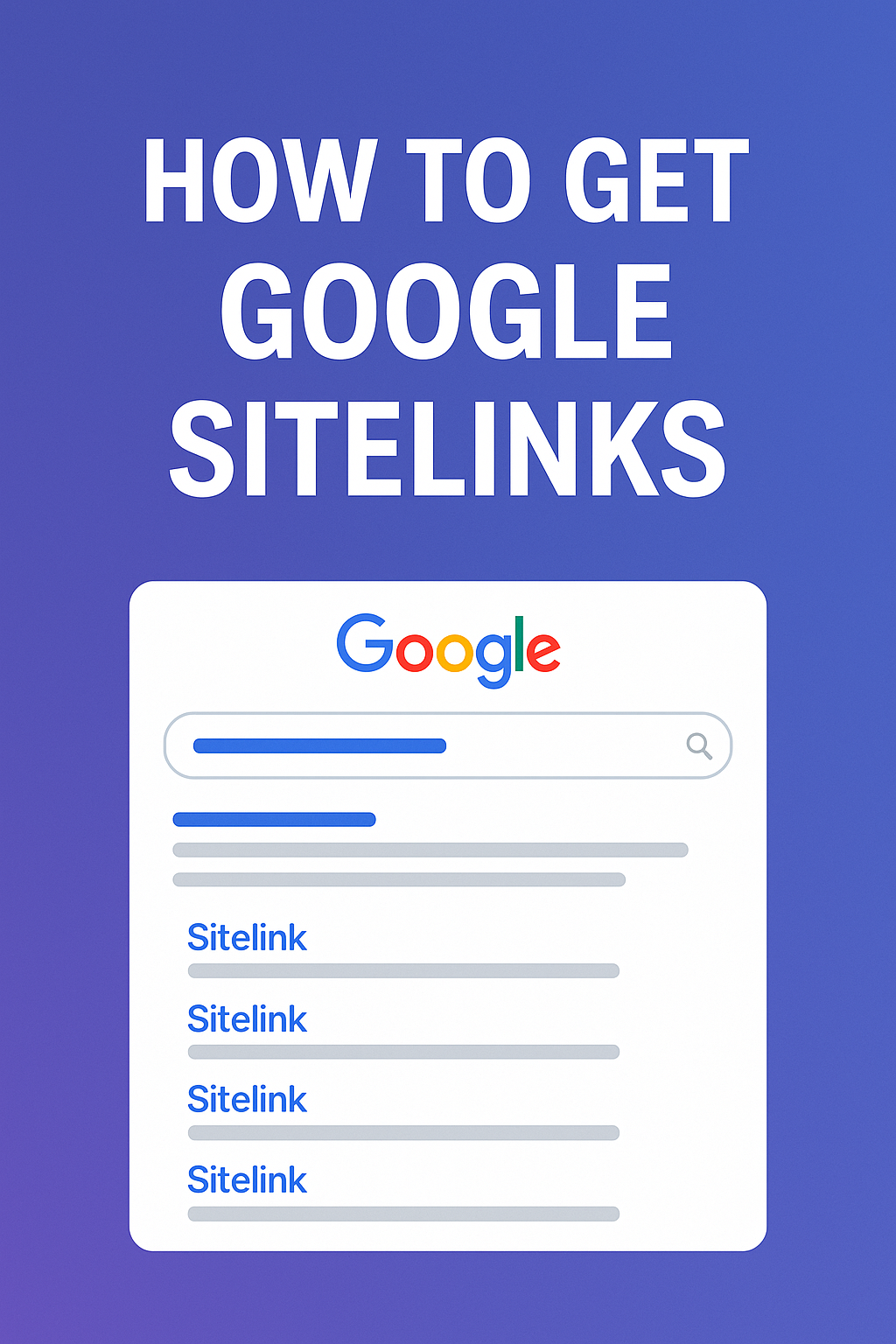
What Are Google Sitelinks — and Why They Matter
Sitelinks are additional internal links that appear beneath your main result for branded searches (for example: “YourBrand pricing”, “YourBrand contact”). They typically appear when Google confidently understands your site’s hierarchy and knows which subpages users commonly look for.
Why they matter: sitelinks can increase click-through rate (CTR) substantially — SEO case studies show CTR uplifts ranging from 20%–70% depending on page relevance and brand strength. They also push competitors down the page by occupying more vertical space.
How Google Chooses Sitelinks (2025 Insights)
Google aggregates multiple signals to select sitelinks. The main factors include:
- Site structure — a pyramid-like hierarchy makes it easy for Google to pick important pages.
- Internal linking — pages with many internal references are stronger sitelink candidates.
- User behavior — pages users often click from search (e.g., pricing, login) are prioritized.
- Branded search volume — higher volume for brand queries increases sitelink likelihood.
- Technical signals — crawlability and schema help Google understand relationships between pages.
An Actionable 10‑Step Checklist to Earn Sitelinks
1. Build a clear, logical website structure
Use a “homepage → category → subpage” model. For WordPress sites, keep core sections like /services, /pricing, /about, and /contact one or two clicks from the homepage.
2. Strengthen internal linking
Link important pages from the main menu, footer, and high-traffic blog posts. Avoid orphan pages. WordPress tip: use a consistent menu and consider a plugin for contextual internal linking if you publish frequently.
3. Use descriptive navigation labels
Replace vague labels like “Learn More” with intent-rich labels such as “Pricing”, “Contact Us”, or “Get a Quote” — these are more likely to become sitelinks.
4. Improve brand authority
Google is more likely to create sitelinks for brands users search for. Increase branded awareness through content, PR, and social channels. For many mid-size brands, crossing the threshold of ~1,000 monthly branded searches correlates with higher sitelink probability.
5. Submit an XML sitemap in Google Search Console
Ensure your sitemap includes only canonical, indexable URLs. In WordPress, many SEO plugins (Yoast SEO, Rank Math) generate and update sitemaps automatically.
6. Improve technical SEO & crawlability
Remove redirects, fix broken links, and improve Core Web Vitals (LCP ≤ 2.5s). Make sure your site is mobile-friendly — Google uses mobile-first indexing.
7. Strengthen branded search presence
Run campaigns that encourage users to search your brand name (e.g., social ads, YouTube videos, partnerships). Consistent branded searches are a strong signal for sitelinks.
8. Optimize page titles
Use concise titles like “Pricing | YourBrand” or “Contact Us | YourBrand”. Avoid duplicate titles across the site.
9. Create high-intent pages
Common sitelink pages are pricing, login, about, contact, and product categories. Make sure these pages exist and serve user needs.
10. Avoid common blockers
Don’t accidentally noindex critical pages, and avoid hiding important pages behind JavaScript-only navigation. Keep menus accessible to crawlers and users alike.
WordPress-Specific Implementation Tips
- Use an SEO plugin: Yoast, Rank Math, or SEOPress will help manage titles, sitemaps, and schema.
- Menu structure: Put critical pages in the primary menu and include them in the footer as well.
- Breadcrumbs: Enable BreadcrumbList schema in your SEO plugin to clarify hierarchy.
- Canonical URLs: Configure canonicals properly to avoid duplicate content.
- Internal links: Create a reusable content block (or use a plugin) for linking to high-value pages like Pricing or Contact from blog posts.
Real-World Example
A small U.S. eCommerce brand restructured its navigation, moved “Pricing” and “Contact” into the primary menu, added 150 contextual internal links from blog content, cleaned duplicate pages, and resubmitted the sitemap. Within eight weeks, Google began showing sitelinks for its brand query and CTR rose by 31% for branded searches.
FAQ
- Can I force Google to show sitelinks?
- No. Sitelinks are algorithmically generated and cannot be requested manually.
- Does structured data guarantee sitelinks?
- No. Schema (like BreadcrumbList) helps Google understand page relationships, but it doesn’t guarantee sitelinks.
- How long before I see changes?
- Most sites see changes in 4–12 weeks after implementing clear structure and internal linking improvements.
Checklist — Quick SEO Tasks to Run Right Now
- Audit main navigation and keep 5–8 high-value items.
- Ensure Pricing, Contact, About, and Services are one click from home.
- Fix orphan pages and add internal links from high-traffic posts.
- Submit sitemap and check index coverage in Search Console.
- Confirm noindex tags are not applied to important pages.
Note: Sitelinks are a signal of trust and clarity — they reward websites that prioritize user experience and clearly communicate page intent.
Final Takeaway
Think of sitelinks as a trust badge Google gives to sites it understands and that users repeatedly seek. Focus on clean structure, strong internal linking, and brand-building — those are the repeatable actions that consistently increase the chances of earning sitelinks.
