

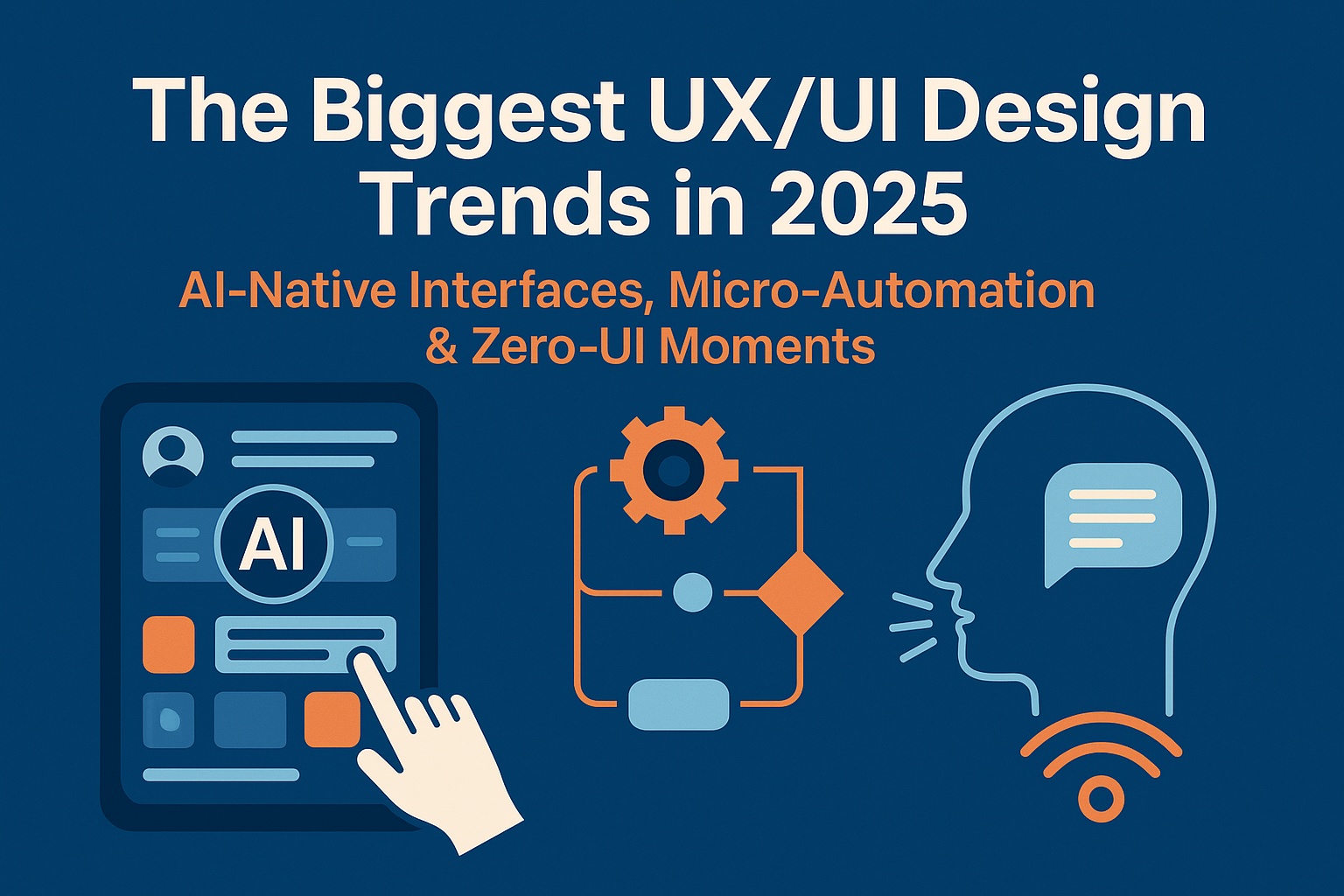
Introduction — 2025 as the first AI-Native inflection point
For years, UX changes were incremental: pattern libraries matured, accessibility became non-negotiable, and design systems standardized visual language across products. In 2025 those evolutions accelerated into a qualitative shift. AI is no longer an augmentation layer or “assistant” feature — it’s an organizing principle embedded in interfaces, pipelines and product strategy. The result: interfaces that adapt, decide, and act in real time for users. This article breaks down the biggest trends shaping UX/UI in 2025 and offers tactical guidance for teams shipping products today.
Key themes: AI-native composition, micro-automation, zero-UI interactions, hyper-personalization, multi-modal experiences, dynamic design systems, and ethical design controls.
Key reading note: Several industry outlets and design teams have signaled this transition toward AI-first UI paradigms in 2025. Recent writing and vendor announcements point to real product changes across tools and platforms. :contentReference[oaicite:0]{index=0}
1. AI-Native Interfaces: From Add-On to Architecture
“AI-native” means we design products presuming AI capabilities at every decision point — not as optional helpers. That changes the UX problem statement: design teams now determine what decisions the product should make autonomously, when to ask for human input, and how to surface reversibility and transparency.
What “AI-native” looks like in practice
- Dynamic composition: Layouts, navigation, and information density change continuously based on user context and predicted intent.
- Task transfer: Micro-tasks are handed off to the system with clear, reviewable outcomes (for example: draft generation, auto-sorting, and suggested micro-workflows).
- Personalized control surfaces: Toolbars, quick actions and widgets adapt per user role or skill level.
Product examples and tooling in 2025 show this pattern: major design and platform vendors are shipping tooling that merges natural language, image prompts and layout generation to build UI and front-end code rapidly — a concrete signal that AI is embedded into product creation and runtime behavior. :contentReference[oaicite:1]{index=1}
Design implication: The product becomes a behavior manager — designers must map responsibilities between agentic systems and human actors rather than only drawing screens.
Design patterns for AI-native experiences
Designers should adopt patterns that center transparency and control:
- Explainable actions: Always show why the system made a recommendation (shortline rationale + confidence score when helpful).
- Easy reversal: One-tap undo and “why this” affordances stop automation from feeling irreversible.
- Progressive delegation: Start with suggestions, move to “assist me”, then to “do it for me” with explicit opt-in flows.
2. Micro-Automation: The Quiet Productivity Multiplier
Micro-automation describes small, precise automations that remove friction from common tasks. These are not broad autopilot modes — they are tiny, high-value actions that collectively reshape attention and efficiency.
Examples across consumer and enterprise
- Consumer: Photos auto-tagged and grouped; apps rewriting a sentence to match your tone; smart notification triage that suppresses low-value pings.
- Enterprise: CRMs that auto-prioritize leads, project apps that suggest task owners, and billing systems that auto-apply low-risk approvals.
Micro-automation succeeds when it is predictive but transparent. Industry writing in 2025 highlights growing adoption of micro-interaction patterns that feel “magical” precisely because they are small and contextual. Designers are defining the AI ownership map: what the system should do silently, what to surface, and when to ask for permission. :contentReference[oaicite:2]{index=2}
- Audit repetitive user tasks and rank by frequency & user frustration.
- Prototype a single micro-automation and measure task time and perceived control.
- Include an undo and an explanation step in the first release.
Design pitfalls to avoid
Over-automation erodes trust. Common mistakes include:
- Doing too much without offering opt-out.
- Hiding the rationale for an action (users want to understand why something changed).
- Failing to monitor automation for drift as user behavior evolves.
3. Zero-UI Moments: When the Interface Disappears
Zero-UI refers to user experiences that rely on context, sensors, voice and prediction instead of explicit screens. In 2025, Zero-UI is now a practical design approach rather than an experiment — driven by improved on-device inference, affordable sensors, and mature voice/gesture toolchains. :contentReference[oaicite:3]{index=3}
Where Zero-UI shows up
- Smart home automations that act based on time and presence.
- Wearables that log activities automatically and adjust the UI only when user input is necessary.
- Car and in-vehicle systems that preconfigure navigation and cabin settings before the driver interacts.
Well-designed zero-UI is conditional and conservative: it performs helpful actions, then informs the user and provides clear affordances to modify or reverse them. If users can’t guess why something happened, trust collapses quickly.
Design patterns for Zero-UI
- Predict-then-confirm: Suggest actions in a subtle notification before taking automated steps.
- Fallback UI: Always surface a light control surface when appropriate so users can intervene.
- Contextual disclosure: Use unobtrusive history or activity logs to show invisible actions.
4. Hyper-Personalization: Designed for You
Personalization has matured from “recommended content” to genuinely adaptive UIs — not just different content, but different interface structures based on preferences, accessibility needs, and behavior. In 2025 product teams are treating personalization as a continuous process: interfaces evolve as signal quality improves.
Key modes of personalization
- Skill-level adaptation: The UI simplifies for newcomers and surfaces advanced controls for power users.
- Emotion and state awareness: Apps reduce interruptions when sensors indicate deep focus, or suggest short breaks when biometric signals indicate stress.
- Accessibility as runtime preference: Text scales, contrast, and interaction models change automatically based on observed usage patterns.
Hyper-personalization raises important privacy and consent questions. Teams must be explicit about data sources, offer easy opt-outs, and provide local on-device processing when feasible to reduce risk.
5. Multi-Modal UX: Where Touch, Voice, Vision & Text Work Together
Interfaces in 2025 are multi-modal by default. Designing for multi-modal experiences means thinking beyond the screen: how does a voice command, a subtle gesture, and a visual overlay combine to complete a task?
Practical multi-modal scenarios
- A user points the phone at a printed recipe; the AR overlay shows steps while voice reads timers aloud.
- A meeting assistant automatically mutes notifications, transcribes action items and surfaces them as a follow-up board.
- Smart cameras detect a product and trigger a “quick buy” path with minimal taps.
Designing multi-modal flows requires new prototyping tools and stronger cross-disciplinary collaboration (speech designers, motion designers, accessibility specialists and data scientists). Interaction Design Foundation and other platforms have updated tool guides reflecting these new workflows. :contentReference[oaicite:4]{index=4}
6. Design Systems in 2025: Adaptive, Data-Driven & Self-Updating
Design systems have become living artifacts. Instead of versioned component libraries that only designers update, modern systems can suggest tokens, generate component variants, and flag accessibility regressions automatically.
What’s new
- AI-assisted components: Automatic generation of responsive variants and animation states based on usage patterns.
- Usage telemetry: Systems collect anonymized interaction data to suggest retiring unused components and optimizing commonly combined patterns.
- Self-healing docs: Documentation updates itself from code and design telemetry, improving handoffs between designers and engineers.
These capabilities speed up delivery but require guardrails: governance models, review workflows, and a small set of human curators to prevent pattern sprawl.
7. Ethical UX: The Non-Negotiate of 2025
As interfaces take more agency in users’ lives, ethical considerations are front and center. Designers and product leaders must operationalize fairness, privacy, transparency and reversibility in product roadmaps. Common guardrails include:
- Clear consent flows when automation requires personal data.
- Bias audits for personalization and recommendation engines.
- Explainability features for automated actions.
- Failsafe patterns and human-in-the-loop controls for high-risk decisions.
Pragmatic rule: If automation could cause a financial, legal, or health impact — design for explicit user review and a clear fallback.
8. The New UX Designer Skillset for 2025
Designers must expand beyond visual and interaction fundamentals. The most valuable skills in 2025 combine human-centered design with AI fluency and systems thinking:
Technical & design skills
- Prompt engineering and prompt evaluation
- Behavior and decision mapping (who decides what, when)
- Multi-modal prototyping (voice, vision, haptic)
- Data literacy for interpreting user signals
Strategic & ethical skills
- Bias and privacy risk assessment
- Designing reversible experiences
- Cross-functional facilitation with ML and infra teams
9. Practical Playbook for Product Teams
Shipping AI-native UX requires new rituals. Below is a compact playbook you can adopt during planning and execution:
Discovery (week 0–2)
- Map high-frequency tasks and decision points.
- Identify safety boundaries (finance, privacy, health).
- Run a quick user study to validate willingness to cede small tasks to automation.
Design & Prototype (week 3–6)
- Sketch progressive delegation flows: suggest → assist → automate.
- Prototype micro-automation in a narrow scope and test for speed and perceived control.
- Include “why this” overlays in prototypes and measure comprehension.
Engineering & Launch (week 7–12)
- Ship with telemetry for both success metrics and unintended behaviours.
- Provide an easy opt-out and robust undo for automated actions.
- Run bias and privacy checks before full rollouts.
Post-Launch
- Iterate based on observed user paths and friction points.
- Retune confidence thresholds and default aggressiveness of micro-automation.
- Keep human reviewers in the loop for high-impact automation.
Conclusion — Designing for a Fluid, Predictive Future
UX in 2025 is less about pixels and more about relationships between users and systems that can act on their behalf. The winning products will be those that blend intelligence with elegant control: systems that reduce friction, explain their actions, and keep humans firmly in charge when it counts.
If you take one action after reading this article: run a micro-automation experiment on a single pain point, measure the difference, and design clear reversal and explanation flows. That experiment will teach you more about ethical, practical AI-native UX than months of speculation.
