


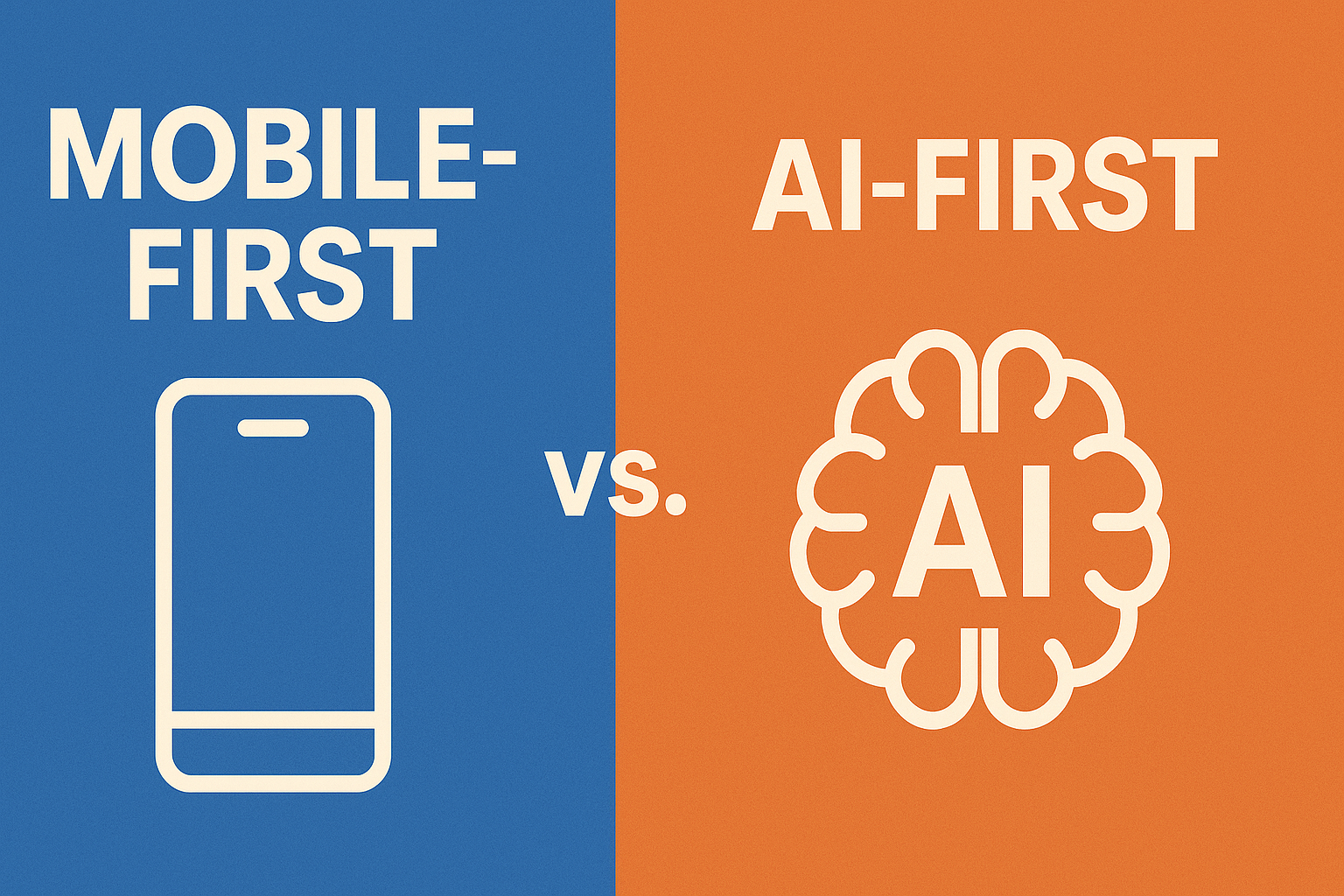
Why Mobile-First Dominated the Last Decade
When smartphones overtook desktop usage around 2016–2018, everything about product design changed. Google accelerated this with mobile-first indexing, encouraging designers and engineers to prioritize mobile experiences. The core philosophy was simple: start designing for the smallest screen first—make it fast, usable, and clear—then scale up for larger viewports.
Mobile-first worked because it forced teams to focus on essential features, optimize performance budgets, and design for touch interactions. According to industry reports across the early 2020s, a majority of web traffic for many verticals continued to come from mobile devices, and conversion rates often improved when the experience was optimized for mobile.
What Triggered the Shift Toward AI-First Design?
The rise of AI-first is driven by three forces:
- AI capabilities embedded across platforms: Major platforms have integrated AI assistants, search, and predictive features into core experiences.
- Business value from personalization and productivity: Studies show AI-driven personalization increases conversion and retention for many businesses.
- New input methods: Voice, natural language, and ambient signals reduce reliance on screens and manual interaction—creating demand for systems that can infer intent.
Together, these forces shift the conversation from what fits on a screen to what should happen next—which is the heart of AI-first design.
Defining AI-First Design
AI-first isn’t about adding “AI features” to a product. It’s a design philosophy where intelligence is a first-class citizen: the product’s behavior, personalization, and automation are driven by models and data. While mobile-first begins with screen constraints, AI-first begins with user intent and context signals—then maps those to actions the system can take autonomously or suggestively.
Mobile-First vs AI-First — Quick Comparison
| Principle | Mobile-First | AI-First |
|---|---|---|
| Primary Goal | Optimize UI for small screens | Optimize experience for intent |
| Starting Point | Screen-size & breakpoints | User intent & contextual data |
| Interaction Model | Tap-based, manual | Predictive, conversational |
| Testing | Usability & responsiveness | Model behaviour & fairness |
| Role of UI | Central | Reduced or optional |
Key Characteristics of AI-First Products
Dynamic, adaptive interfaces
AI-first interfaces change in real-time based on user data and context. Think of streaming services that reorder sections based on listening patterns or mapping apps that surface predicted destinations.
Zero-UI moments
AI-first embraces moments where no GUI is needed—voice assistants, scheduled automations, and predictive routing remove the need for direct interaction in many cases.
Intent-based navigation
Instead of manual filtering, users state goals in natural language, and the system composes the path. This makes complex workflows simpler and faster.
How AI-First Builds on Mobile-First
AI-first doesn’t make mobile-first obsolete. Mobile-first provides the groundwork—responsive layout, performance optimization, and touch-friendly interactions. AI-first sits on top: it augments those interfaces with personalization, prediction, and automation. The best products will combine both approaches.
Industry Examples
Google moved search from keyword matching to semantic and intent-based results—this is an AI-first approach layered on top of mobile-first distribution and indexing.
Amazon and Alexa
Amazon’s voice-first commerce demonstrates zero-UI commerce at scale. Alexa routines, buying actions, and contextual prompts are AI-first in action.
Figma & Notion
Modern design and productivity tools are embedding AI features—generation, summarization, and automation—so creators can work faster and higher-level tasks are automated.
Impact on Teams: Designers and Developers
AI-first changes the skillset: designers must think in flows, decision trees, and behavior maps. Developers must integrate models with frontend logic. Product teams must add data scientists and ML engineers earlier in the process.
Core Principles for Designing AI-First Products
- Start with intent, not interface. Use intent maps as the first artifact.
- Design fail-safe states. Allow users to override and correct AI actions.
- Reduce cognitive load. Make automation feel effortless.
- Maintain ethical transparency. Disclose data usage and provide opt-outs.
- Keep UI modular. Support dynamic layouts and content-aware components.
Case Studies
E-commerce
Mobile-first checkout requires optimized forms and small-screen flows. An AI-first e-commerce flow takes natural-language intent and completes a purchase with minimal taps, leveraging user profiles, purchase history, and real-time inventory.
Travel booking
An AI-first travel flow can understand constraints—time windows, baggage rules, preferred carriers—and assemble an itinerary automatically.
Productivity
AI-first tools extract tasks from conversations, auto-schedule them, and nudge users—shifting the product’s role from passive tool to active assistant.
UX Challenges in AI-First Design
Key challenges include over-automation, loss of control for users, bias in models, learnability of dynamic UIs, and privacy concerns. Product teams must design boundaries and transparent interfaces that explain AI behaviour.
Practical Steps to Start Today
- Learn prompt architecture and LLM behaviour.
- Prototype conversational flows alongside wireframes.
- Use real user behavior data to train and validate models.
- Collaborate with ML engineers early.
- Include ethics reviews in product sprints.
Conclusion
Mobile-first rewired how we design for screens. AI-first rewires how products think. Designers who combine performance-first mobile fundamentals with intelligent, intent-driven experiences will ship the most valuable products in the coming years.
